EXISTING WORK ORDERS
navigation basics
To navigate to the Work Order module, us the main navigation menu on the left hand side of the screen to select Work Orders then click on the Existing tab.
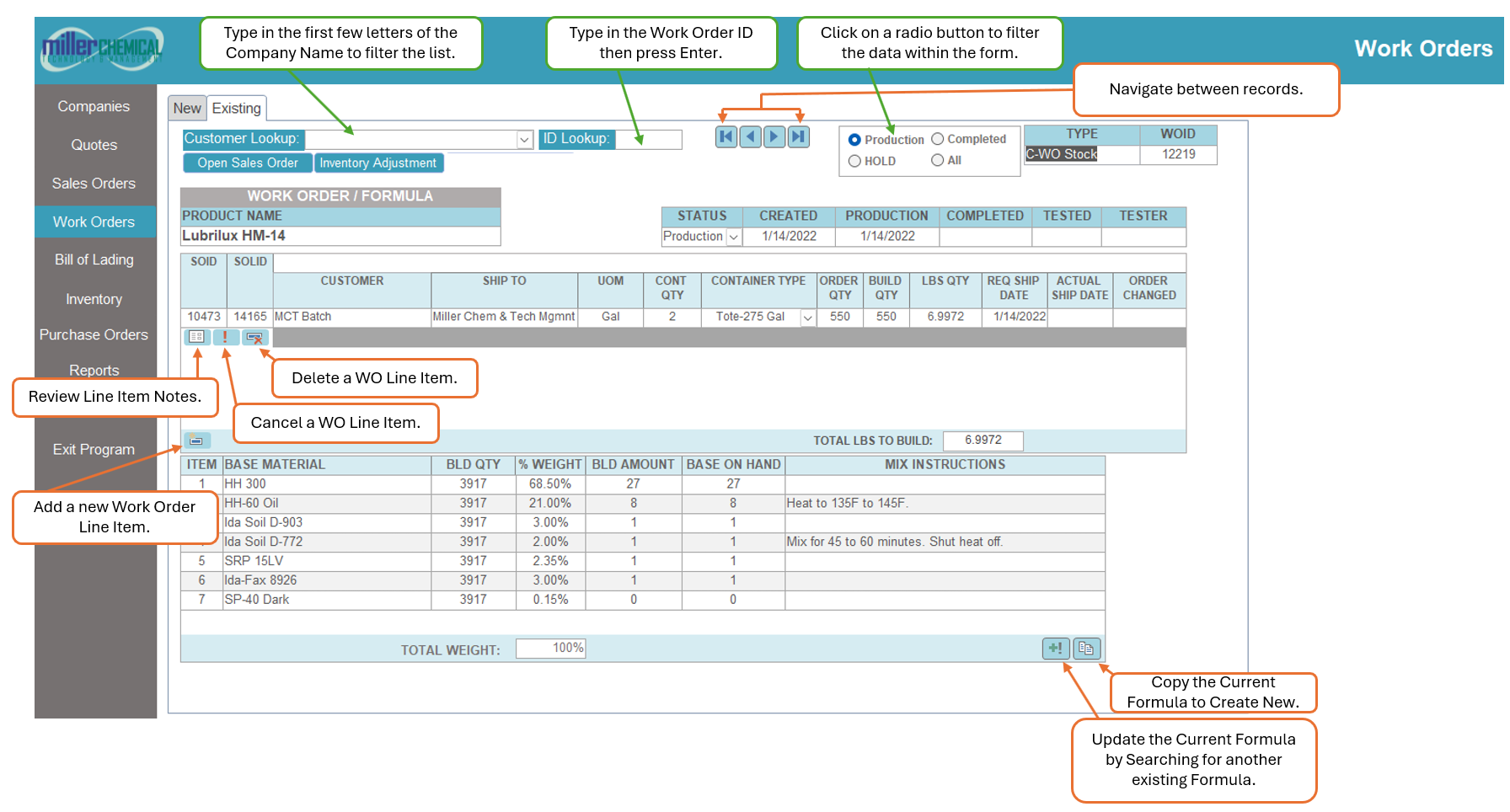
To quickly navigate to a customer, begin typing the name of the customer in the Customer Lookup field then use the drop down to identify the record you are looking for. Click on that record to navigate to the record.
To quickly navigate to a specific Work Order, type the number of the Work Order in the ID Lookup field then hit Enter to navigate to that record.
By default, the Work Order form will load all Production quotes. To filter the results, simply use the filter box and select from Production, HOLD, Completed, or All.